Small Hands, Big Worlds
It's hard to play while holding a camera

In recent years, more attention has been given to accessibility in games. It has become commonplace to see options for colour blindness, contrast enhancement, subtitles, difficulty modifiers, and even limited control remapping for one-handed play. This is all good. Long overdue, even. But watching my daughter play made me think about a quieter kind of accessibility: not disability as such, but childhood. Games do not merely assume that you can press buttons. They assume that you can read, that you understand the language, that your hands fit the controller, that you can parse a 3D space, and that you can move a character with one thumb while steering an invisible camera with the other. These are things the average adult gamer takes for granted.
I became painfully aware of this when my four-year-old daughter asked if she could play a video game. She wanted to try the Spyro: Reignited Trilogy remake, which made my own eyes shimmer with nostalgia because it was one of the games I had grown up with. My own first experience with Spyro came with a small tragedy. I played all day, collected gems, wandered around that colourful little world, and only later realised that I did not even have a memory card to save my progress. Until that moment, I had not understood that saving a world required a separate object: a magical little plastic husk that lived outside the console itself. Powering off that console after a whole day of grinding was one of the most painful experiences of my young gaming life, and it has stuck with me ever since. It is also why the memory card became such a powerful object in my imagination. It was not just storage. It was the thing that allowed a world to continue when I was no longer looking.
Decades later, I found myself watching my daughter trying to enter that same kind of world. Only this time, the obstacle was not the absence of a memory card. It was the quiet pile-up of assumptions between her and the game: reading, language, hand size, spatial reasoning, and the right stick. To a child, a game is not merely a piece of software. It is a world with rules that are only partially visible. Sometimes those rules are inside the game: dragons, gems, portals, enemies, ledges. But sometimes the most important rules are outside the game entirely. You need a memory card to save. You need to understand English. You need to hold the controller correctly. You need to know that the right stick does not move the character, but moves the invisible observer floating behind the character. Nobody is born knowing these things. They are learned rituals.
The most immediate hurdle is reading. When an adult is present, this can often be overcome, but it remains a real barrier to entry for children. Most games assume that you speak English, which matters especially if you grow up with a language that has a relatively small speaker base, such as Dutch. I remember my mum acting as a live translation layer when I first started playing games. I quickly became annoyed by it, and that is probably one of the reasons I became proficient in English from a young age. Games taught me English, but only because my mother first stood at the gate and translated enough of the world for me to enter it. This reminds me: a lot more games used to have Dutch in their language selection during the nineties. That’s something to discuss in a future essay!
I have chosen to raise my daughter bilingually. Her mother speaks Dutch with her, and I always speak to her in English, so language is less of a concern for her than it was for me. But there still are not many games that are both interesting and adapted to her cognitive level. I sometimes wonder whether there are many truly good children’s games left in the sense I mean: games built around curiosity, gentleness, exploration, and genuine play rather than reward loops. There used to be a whole category of edutainment games like Putt-Putt and Freddi Fish, but those seem to have been largely replaced by dopamine-overloaded mobile button-clickers designed for the shortest possible attention loop. I do not want to romanticise every old edutainment title. Many were clumsy, patronising, or barely games at all. But the best of them understood something important: children need time to poke, wander, repeat, misclick, and look.
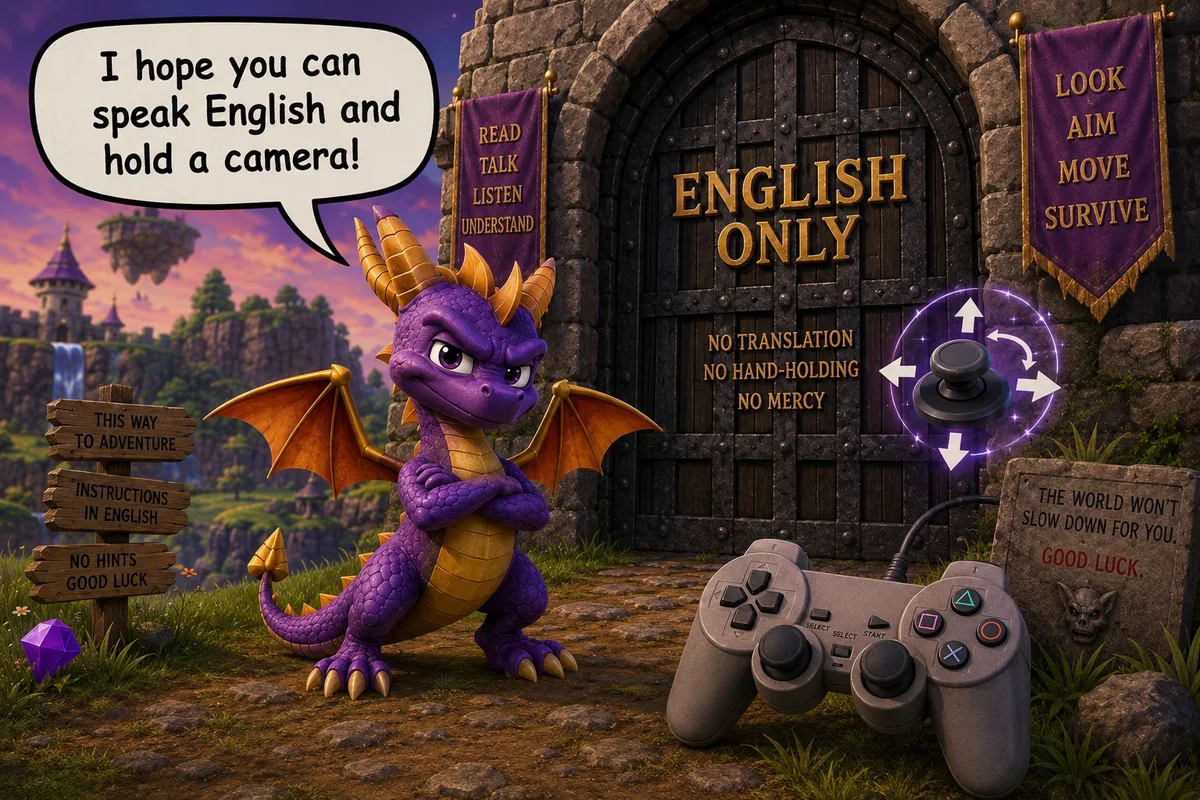
The right stick is the final boss
Spyro is actually a fantastic game to spark this discussion. I remember the old PlayStation version having an active camera implementation. In fact, this was very much in vogue in the 32-bit era, when 3D gameplay was still nascent. Another favourite game of mine, Tomb Raider, has a similarly active 3D camera, where the player character always remains centred and the camera makes the necessary adjustments after movement.
I remember game reviews always complaining about these active cameras. In my experience, they worked well enough. But granted, sometimes you could encounter an awkward camera position, especially in levels with tight spaces. Over time, games took these complaints to heart, and active cameras were gradually replaced with a manually controlled camera assigned to the right stick.
In my opinion, the complete elimination of active cameras was a mistake. But I understand why it happened. Developers did not want to put effort into a feature that was almost guaranteed to make them lose points with reviewers, at a time when critic reviews still carried a lot of weight. Implementing a good active camera is very hard. There are so many parameters to tweak, rays to trace, collisions to sweep and anticipate. Raw computation is less of a barrier now than it was in the 32-bit era. The hard part remains the design: anticipating what the player wants to see, avoiding walls, dealing with tight corridors, smoothing motion, and handling thousands of awkward edge cases. It even goes so far as making objects close to the camera partly transparent so that they don’t completely obscure the view.
Let it be clear that active camera implementation is a vast topic that deserves its own essay (or a book!). From a developer perspective though, just mapping the camera to the right analogue stick is much easier and avoids trouble. It is the way to play it safe. The player gets control. The reviewer cannot complain that the camera made the wrong decision, because now every bad decision belongs to the player. But that is also the problem: manual camera control solved a reviewer problem, not necessarily a player problem. Manual cameras became the default partly because it gave expert players control and protected developers from bad camera complaints, but it also pushed a lot of cognitive and motor burden onto the player. This mattered less to reviewers, whose opinions shaped the era’s design conventions, because those reviewers were mostly experienced adult players. Children and other people with accessibility needs never had much of a voice in this transition. Reviewers complained when the camera made a bad decision. Children and people with accessibility needs suffer when the game refuses to make any decision at all.
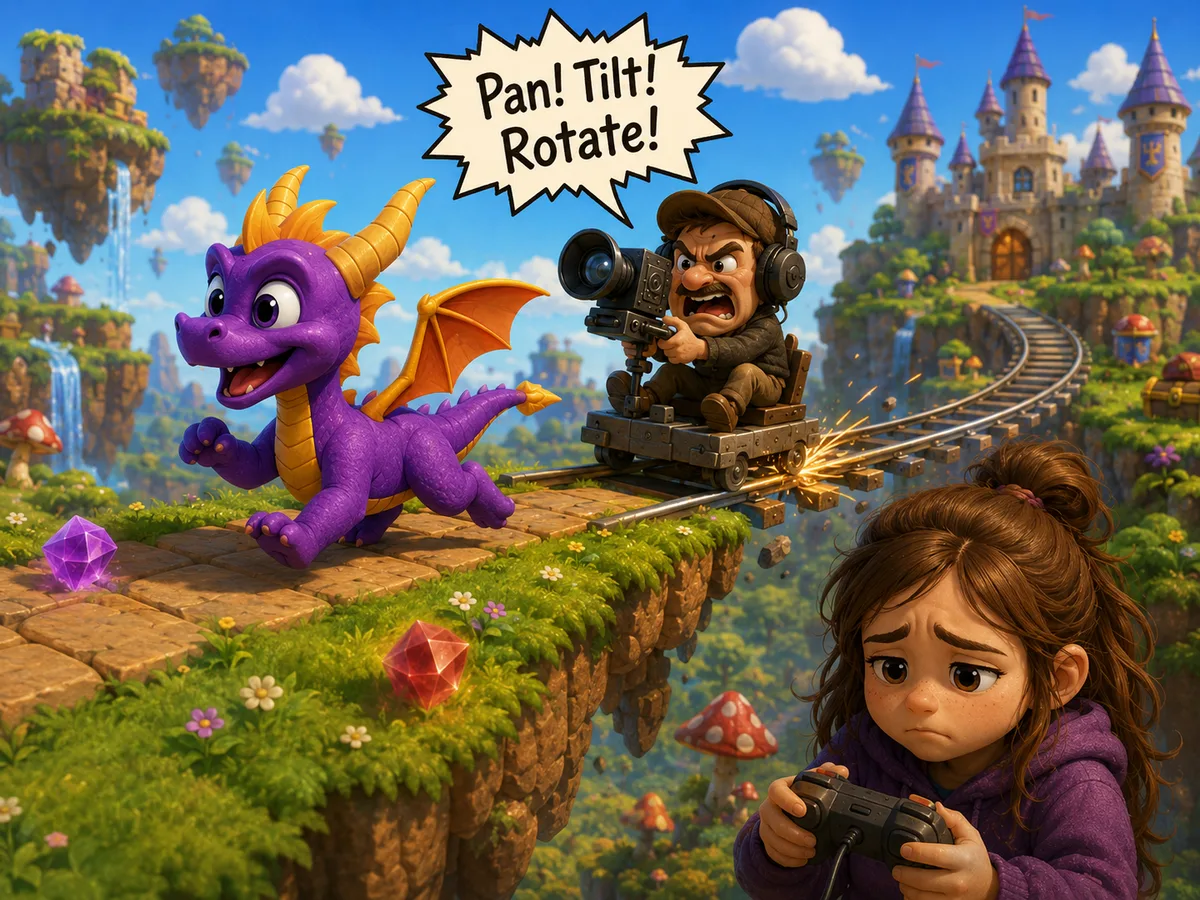
It’s a shame because it’s now considerably harder for young children to get into 3D gaming. Young children, let us say under the age of seven, are still developing the necessary motor skills for simultaneous coordination of two independent joysticks. I saw my daughter struggle hard with this. She understood the movement controls soon enough when the camera just stayed put, but then once it rotated she had to reason about her movement in relation to an entirely separate coordinate frame. This is not a small thing. To an experienced player, moving the left stick and correcting the camera with the right stick feels natural. But it is not actually natural. It is a convention. It is a learned procedure, like WASD and mouse. Gamers forget how strange it is because it has become muscle memory. The right stick is not merely a control. It is a design language. It asks the player to understand that the world on screen is not simply where the character is, but that there’s also an invisible observer that happens to be looking over the character’s shoulder. An additional character to control. Children do not yet speak that language when they are just starting out their gaming journey.
The controller was not the game, but it became the game
Then there is the problem that most popular gamepads — PlayStation DualShock, Xbox Series X, and the like — are simply too large for the hands of children. My daughter could not even comfortably reach all the buttons and sticks on the controller, so if the whole camera navigation was difficult for her, this turned it into a straight-up ordeal. This is easy to underestimate as an adult. We think of a controller as a neutral object. But it is not neutral. It has a size, a weight, a button layout, a required grip, a required thumb span, and a set of assumed simultaneous actions. Modern controllers are beautiful devices if your hands fit them and your brain already understands them. But for a child, the controller can be the first boss fight. And unlike a boss fight, it is not meant to be there.
After our gaming session, I fully expected my daughter to be frustrated with the experience. But to my surprise she was quite elated, telling me about all the gemstones she had collected. To me, this made it clear that my daughter was not failing at Spyro. The adult interface wrapped around Spyro was failing her. Adults often approach games through goals: complete quests, collect gems, beat levels, optimise builds. Children often just want to be there. They want to run around, look at water, chase something, make the character jump, enter a house, see what happens. Spyro should be difficult because of jumps, timing, enemies, exploration, secrets — not because the player is wrestling with the camera and controller shape. For adults, those burdens become invisible. For children, they are the game. Luckily, my daughter interpreted the difficulties as yet another challenge and tackled it head-on with the enthusiasm of a young child. But it also made me a bit sad. I wanted to show her a world, but the game kept asking her to operate some clunky machine.
That distinction matters. We often talk about making games easier or harder, but this was not really about difficulty. Difficulty is part of the designed experience. A jump can be difficult. A puzzle can be difficult. A boss can be difficult. But struggling to see where you are going because the game assumes adult camera literacy is something else. That is interface burden. Games often treat children as players who need less game. Less complexity, less world, less depth, less danger. But often they need the opposite: more game and less interface. They need the machinery around the world to become kinder, so that they can actually reach the world.
Tablet Toddlers
One obvious solution is to focus on tablet games up to a certain age. A tablet is often treated as the shallow end of gaming, but for a child it has one enormous advantage: the interface is spatially honest. You touch the thing you mean. A gamepad is a marvellous device once internalised, but to a child it is a black box of indirect intentions. Push this stick and the character moves. Push that stick and the camera rotates. Press this button and something context-sensitive happens, unless you are too far away, or facing the wrong direction, or the game has decided that another prompt has priority. The whole system is obvious only after you already know it.
Touch is different. It removes a layer of translation. The finger goes to the thing. That does not make tablets superior for all games, obviously. Touch controls are terrible for many forms of precise action, and plenty of tablet games are dreadful. But for a child’s first encounters with digital worlds, direct manipulation is powerful.
The problem is not so much with the way games on tablets control, but the loss of quality software on them. The key is not “old good, new bad”. The key is that older children’s PC games often respected children’s curiosity and pacing. They were slow, readable, forgiving, exploratory. Modern mobile children’s games often optimise for retention, reward loops, and bright feedback. They are not designed to be dwelled in. They are designed to be tapped. And therein lies the difference. A child-friendly game does not need to be stupid. In fact, children are often much more patient with strangeness than adults, provided the interaction itself is legible. They can appreciate beauty, mood, repetition, little rituals, funny animations, and quiet spaces. What they need is not necessarily simplification. They need affordances they can understand and they need games to be legible.
The return of the active camera
What can we do in the short term? The obvious move is to start children off with 2D games, such as side-scrollers, and sidestep the issue entirely. Yet I feel this is not the same experience. Side-scrollers tend to focus more on twitch movement and traversal, while 3D games often emphasise exploration. I feel the latter maps better to the interests of my daughter. It is also the aspect of games with which I want to draw her into this hobby: not scores and competition, but exploration and wonder.
So I think the active camera deserves a comeback. Not necessarily as the only option. Expert players should still be able to control the camera manually. There is nothing wrong with giving control to people who want it. But active camera systems should not be treated as a relic of a primitive era. They are a form of assistance. More than that, they are accessibility infrastructure. A good camera is not just polish. It determines who can understand the world.
Modern games already contain huge amounts of contextual intelligence. They know what quest you are tracking. They know where enemies are. They know what object you are interacting with. They know when you enter a combat state. They know when the player is indoors, outdoors, falling, swimming, climbing, sneaking, aiming, or locked onto an enemy. Yet many games still leave the basic act of looking almost entirely to the player.
There is room for a middle ground. A child-friendly 3D mode could include:
- A one-stick exploration mode, where movement and camera are gently coupled.
- A “face forward” or “look at objective” button.
- A camera that recentres more assertively when the player is moving, but backs off when the player is intentionally looking around.
- A stronger lock-on or focus system for interactive objects.
- Visual guidance that does not depend on reading.
- Read-aloud text for pre-readers.
- Large, iconic menus.
- Fewer simultaneous button demands.
- A parent co-pilot mode.
That last one is especially interesting. When I played with my daughter, I eventually opted for co-op of a very informal kind: I controlled the camera, anticipated her movements, and let her control the character. This had the added benefit of making the experience shared, though you must get beyond the initial barrier of frustration. But why should this be informal? The adult beside the child is often already part of the interface. Games could acknowledge that. A parent co-pilot mode could allow one player to handle camera control while the child moves. Or it could let the adult gently reorient the view, read prompts aloud, highlight an objective, or rescue the child from a confusing corner without taking the entire game away from them. This would preserve agency rather than replace it. The child would still be playing. The adult would simply be scaffolding the experience, like holding the back of a bicycle seat while a child learns to ride. We do not teach children to cycle by handing them an adult racing bike and declaring gravity a valuable lesson.
Solving this for existing games
Of course, most existing games will not suddenly grow intelligent active cameras or child-friendly modes. So what can be done now?
The simplest solution is curation. Some games are naturally more forgiving than others. Slow 3D exploration games, sandbox games with low penalties, and games with strong automatic camera behaviour are much better candidates than games requiring constant dual-stick precision. This sounds obvious, but it matters. A game can be thematically suitable for a child and mechanically hostile to them.
The second solution is hardware. Smaller controllers do exist, but they are often treated as novelty accessories rather than serious input devices. There is a gap here. A good child-oriented controller should not be a cheap toy version of an adult controller. It should be designed around smaller hands, lower grip strength, shorter thumb reach, and fewer simultaneous inputs. It should be robust, comfortable, and supported by the major platforms without awkward workarounds.
The third solution is platform-level assistance. Consoles already support accessibility features such as remapping controls, magnification, narration, and co-pilot modes in some cases. But there is room for much more. Imagine if a console could provide a system-level parent assist layer: one controller partly mirrors another, one player handles camera movement, or certain button combinations can be simplified for younger players. I envision many useful applications of AI here too.
The fourth solution is emulation and remapping. Older games played through emulators can sometimes be modified, slowed down, remapped, or assisted in ways the original hardware never allowed. This opens interesting possibilities. A parent could map camera controls more conveniently, use save states to reduce frustration, or even experiment with scripts that gently recentre the camera. There is something slightly ironic about this: the preservation tools built for nostalgic adults may also be some of the best tools for introducing children to old games.
The fifth solution is simply playing together. Not as a supervisor, not as a backseat driver, but as a companion. My daughter did not need me to beat the game for her. She needed help translating the world: sometimes linguistically, sometimes mechanically, sometimes spatially. That shared translation can be part of the joy.
This also changes how we think about accessibility. Accessibility is often imagined as a menu of options selected before play begins. But in a living room with a child, accessibility is also relational. It is the adult reading a sentence, turning the camera, explaining a symbol, or saying “try going over there”. The game, the player, and the helper form a little system. Better design would not remove that shared experience. It would make it less exhausting.
What children reveal about games
Children are useful critics because they do not yet know which frustrations they are supposed to accept. They have not internalised decades of genre conventions. They do not know that pressing the right stick inward is called R3, or that yellow paint means climbable, or that a mini-map in the corner is supposed to be continuously monitored.
That makes them inconvenient players, but interesting observers. When a child struggles with a game, the temptation is to say that the child is not ready. Sometimes that is true. But sometimes the child is simply revealing that the game depends on a hidden curriculum.
The player must know how cameras work. The player must know how objectives are marked. The player must know how menus are structured. The player must know that glowing things matter. The player must know that the game is waiting for a particular kind of input.
An experienced gamer silently carries along this entire bag of prior experience with them. A child does not. This is why childhood belongs in accessibility discussions. Not because children are disabled, but because they expose the same basic truth: design always has an imagined user. When the imagined user is an adult with fluent English, large enough hands, two-stick literacy, reading ability, and years of genre experience, everyone outside that imagined user pays a tax. Sometimes that tax is small. Sometimes it is enough to keep them out.
Exploration and wonder
I do not want games to become frictionless. Some frustration is part of play. Children can handle difficulty, and it would be insulting to pretend otherwise. They can learn, persist, experiment, and surprise you. My daughter certainly surprised me. I expected her to bounce off the game; instead, she remembered the gems. She did not come away talking about camera problems, coordinate frames, or controller ergonomics. She came away talking about treasure. The virtual world had made a lasting impression on her.
That is why I care about this. Not because every four-year-old needs to play Spyro, and not because every game should be designed around children. But because games are one of the great engines of artificial wonder we have invented, and it seems a shame to lock that wonder behind assumptions we barely notice.
A better first 3D game for children would not necessarily be smaller, louder, easier, or more childish. It might simply be kinder. The camera would help before it asked to be controlled. Text would be spoken or visually reinforced. Menus would stay out of the way. The controller would not be the first boss. Assistance would preserve agency rather than replace it. The world would invite wandering before it demanded mastery.
That is the side of games I want to show my daughter first: not scores, optimisation, or competition, but the simple wonder of being somewhere else.
And preferably being able to save when she gets there.